Best Digital Wall Calendar · No Subscription

Best Digital Wall Calendar Without a Subscription

For a digital wall calendar without a subscription, our pick is the Cozyla Calendar Plus 2 (24-inch): Cozyla says calendar sync, chores, rewards and meal planning all work with no paid plan. Everblog says every HomeCal feature is free, and Apolosign says its calendars need no subscription. Check the fine print, though: several of these brands still sell optional AI add-ons.

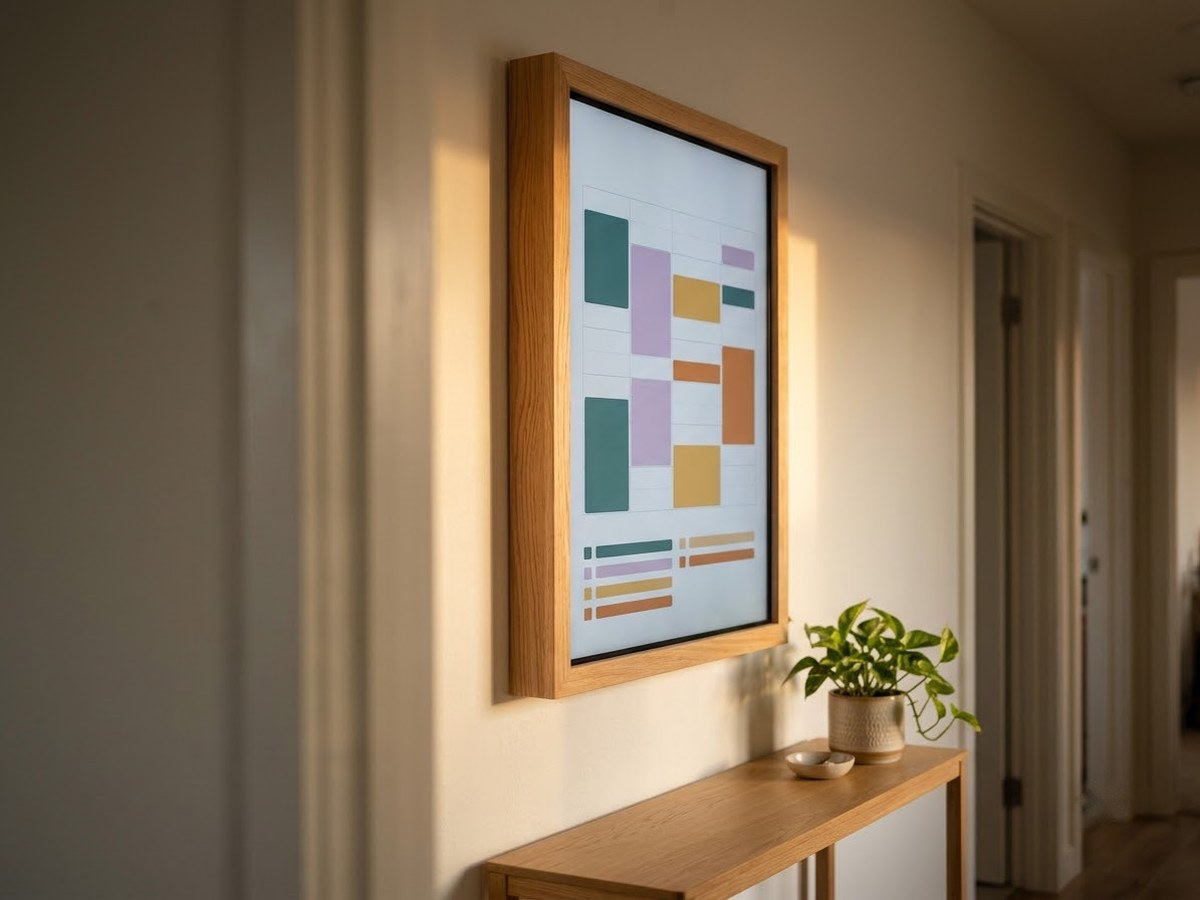
Large digital calendar in portrait on a hallway wall showing a weekly grid and a short chore list

Our top 3

Top picks at a glance

Best no-fee family hub#1
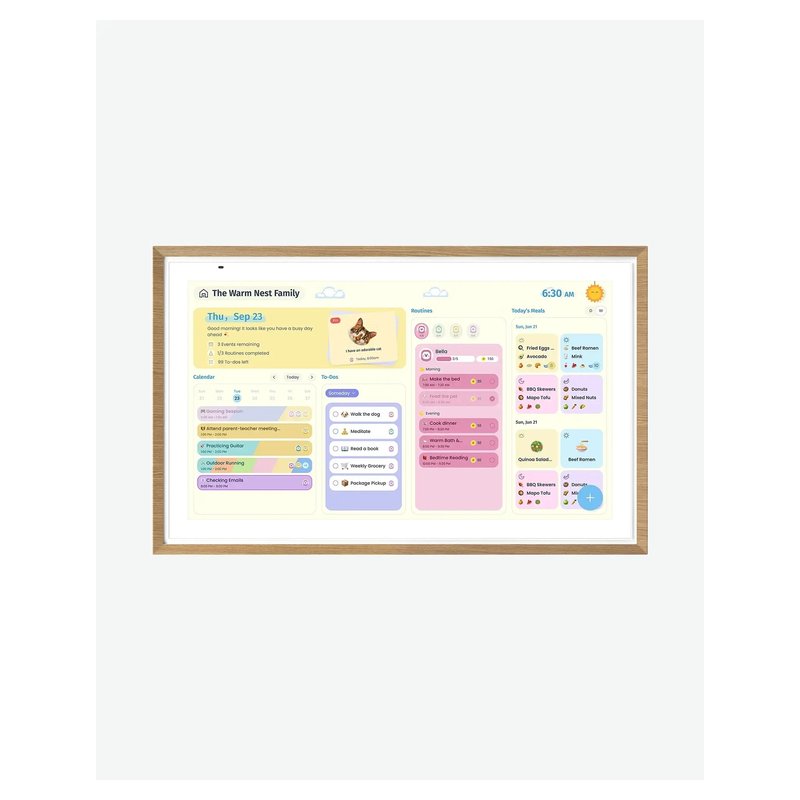
Cozyla Calendar Plus 2 (24-inch) calendar

Cozyla Calendar Plus 2 (24-inch)

Premium price range

Two-way sync, 8 profiles, chores and meal planning included, per Cozyla.

Read reviews ›
Best value big screen#2
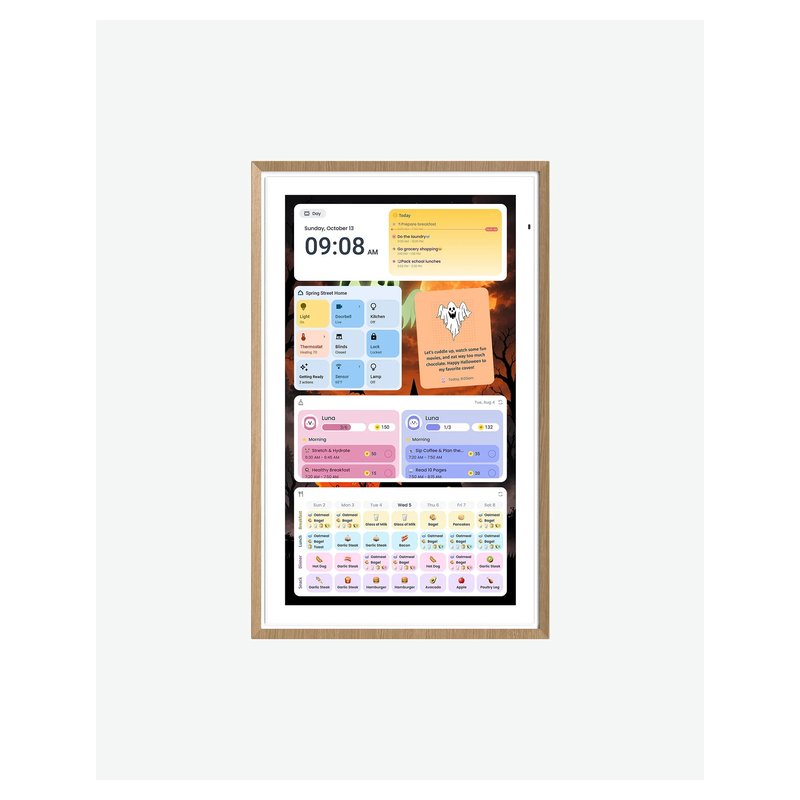
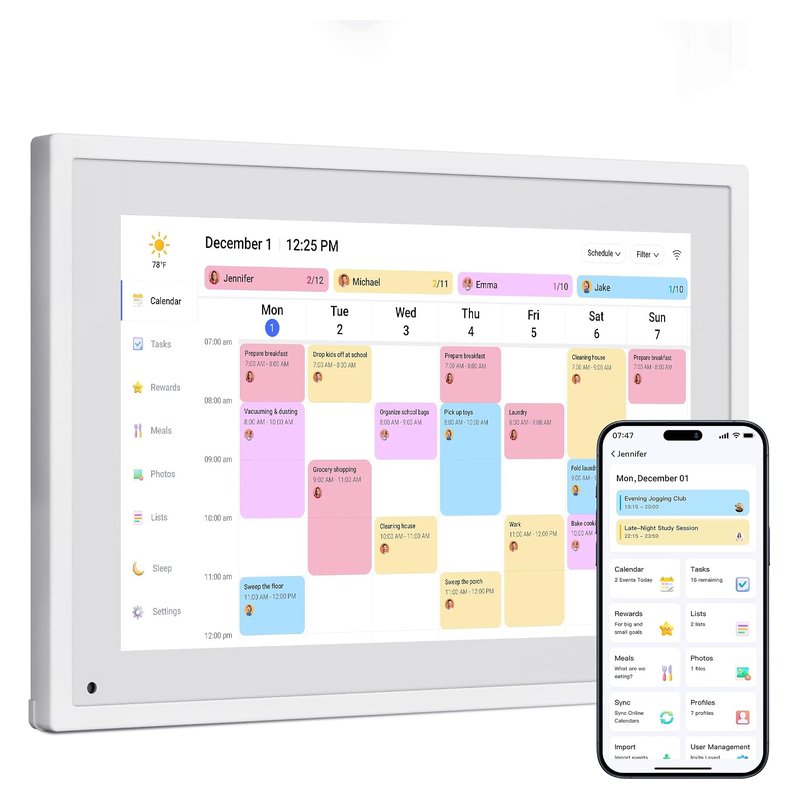
Everblog HomeCal (21.5-inch) calendar

Everblog HomeCal (21.5-inch)

Mid-range price range

21.5 inches, with TeamSnap in its sync list and, per Everblog, no paid features at all.

Read reviews ›
Best with Google Play#3
Apolosign Digital Calendar (21.5-inch) calendar

Apolosign Digital Calendar (21.5-inch)

Mid-range price range

A 21.5-inch Android calendar with a dedicated calendar mode and no required plan.

Read reviews ›

In detail

Who each one suits

Specifications, sync lists and subscription terms are each brand’s own; notes draw on brand help centers and independent reviews. We have not tested or used these calendars ourselves.

Best no-fee family hub#1

Cozyla Calendar Plus 2 (24-inch)

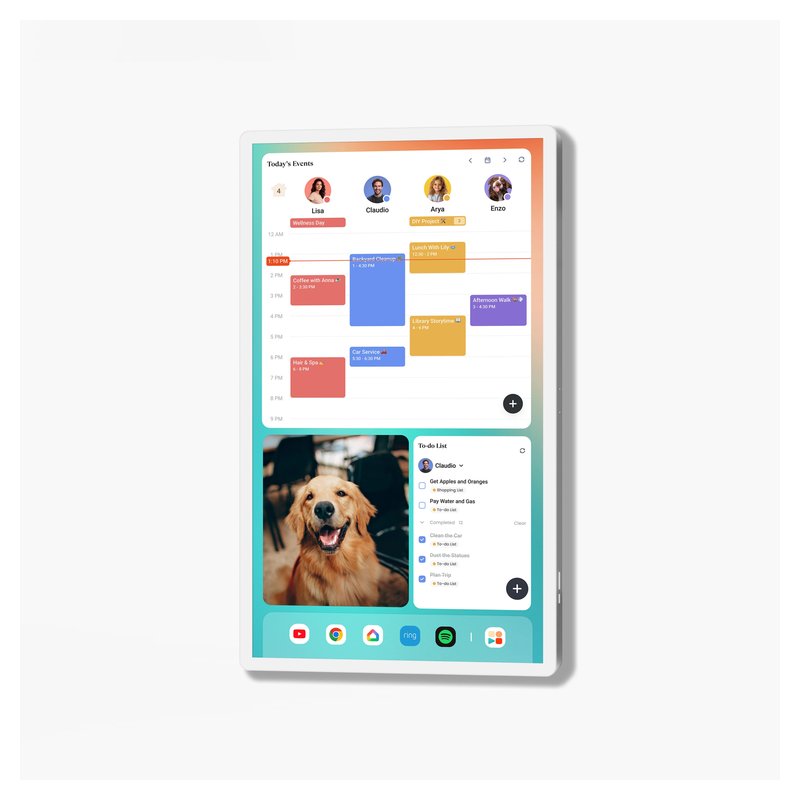
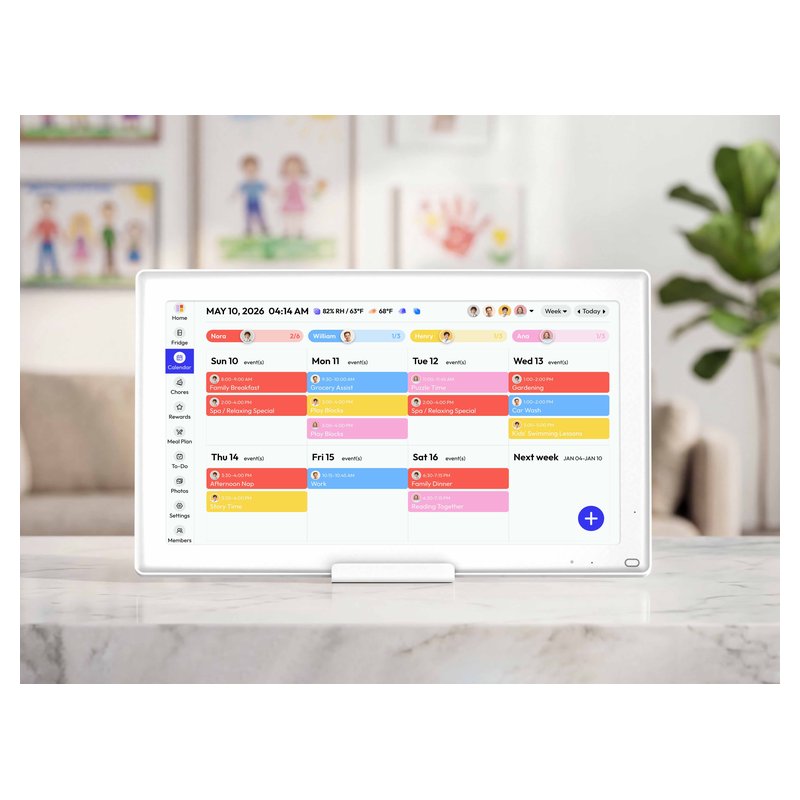
Cozyla’s 24-inch Calendar Plus 2 is the strongest case for skipping a subscription: Cozyla says calendar sync, chores, rewards and meal planning all work without a paid plan. It is an Android 14 device with Google Play, so it doubles as a big wall tablet.

Why it stands out

  • Two-way sync with Google, iCloud (via an app-specific password), Outlook and CalDAV, plus Yahoo, Cozi or any calendar link.
  • Up to 8 profiles; chores with points and reminders; meal planner that builds a grocery list.
  • Rotating wall mount included, so it can hang in portrait or landscape.
Screen24-inch touch
PlacementWall (rotating mount included)
Syncs withGoogle, iCloud, Outlook, Yahoo, Cozi, CalDAV
SubscriptionNot required; optional AI plan
CameraNone built in

Good fit if

  • You want family features included in the price.
  • You like the idea of Google Play apps on the same screen.

Skip it if

  • You want the simplest possible screen for a grandparent: an Android tablet has more to learn.
  • You want a small counter display: look at the 15.6-inch models.

The optional Calendar Super plan ($69.99 a year, per Cozyla) adds Smart Planning, Smart Input, an Art Gallery and the unlimited AI Voice Agent. Reviewers at T3 found some invites did not sync until the phone app was opened.
Best value big screen#2

Everblog HomeCal (21.5-inch)

Everblog’s 21.5-inch HomeCal is Forbes’ pick for a calendar without a subscription. Everblog says every feature is free, including meal planning, a food inventory and a points-based task manager, and it lists TeamSnap among its calendar sources.

Why it stands out

  • Syncs Google, Outlook, Apple, Cozi, Yahoo and TeamSnap, per Everblog.
  • 1080p screen, portrait or landscape; quad speakers and dual mics.
  • 2-year warranty and 180-day returns, according to Everblog.
Screen21.5-inch, 1080p touch
PlacementWall (strap included; stand extra)
Syncs withGoogle, Apple, Outlook, Yahoo, Cozi, TeamSnap
SubscriptionNone, per Everblog
CameraNone listed

Good fit if

  • Your kids play team sports and you want TeamSnap on the wall.
  • You want a big screen with no plan to pay for.

Skip it if

  • You need dependable two-way sync: The Gadgeteer reported one-way Gmail and partial Apple sync.
  • You want a stand included (it is extra).
Best with Google Play#3

Apolosign Digital Calendar (21.5-inch)

The 21.5-inch Apolosign is a bigger version of the same no-subscription Android calendar, sized for a family wall without the cost of a 27-inch screen.

Why it stands out

  • Same sync list and dual calendar/Android mode as the 15.6-inch.
  • Anti-glare 1080p screen, portrait or landscape.
  • Wall mount included.
Screen21.5-inch, 1080p anti-glare touch
PlacementWall (mount included)
Syncs withGoogle, Apple, Outlook, Yahoo, Cozi
SubscriptionNot required, per Apolosign
CameraNone listed

Good fit if

  • You want a wall screen bigger than 15 inches on a mid-range budget.
  • You do not want a monthly or yearly fee.

Skip it if

  • You need a counter stand in the box (the 21.5-inch includes the wall mount only).
Also worth a look

Apolosign Digital Calendar (15.6-inch)

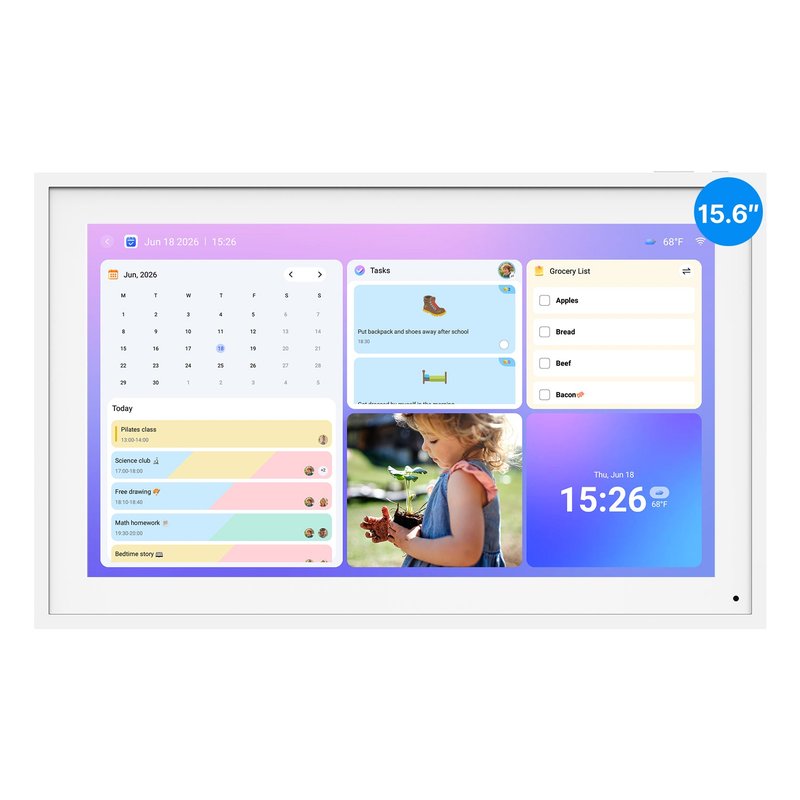
Apolosign’s 15.6-inch calendar comes with both a desk stand and a wall mount and, according to Apolosign, needs no subscription. It runs certified Android with Google Play and switches between a dedicated calendar mode and a normal Android mode.

Why it stands out

  • Syncs Google, Apple, Outlook, Yahoo and Cozi calendars (iCloud is added as a shared calendar).
  • Anti-glare 1080p screen; landscape or portrait.
  • Wall mount and desk stand both in the box; Wi-Fi 6.
Screen15.6-inch, 1080p anti-glare touch
PlacementWall or counter (both included)
Syncs withGoogle, Apple, Outlook, Yahoo, Cozi
SubscriptionNot required, per Apolosign
CameraNone listed

Good fit if

  • You want a mid-size screen without a yearly fee.
  • You want the option of Google Play apps.

Skip it if

  • You want the most polished, calendar-only software — Skylight is simpler.
  • You want AI features without paying: a retail listing describes those as an optional subscription.
Also worth a look

Dragon Touch Digital Calendar (21.5-inch)

Dragon Touch sells its calendar in sizes from 10 to 32 inches; the 21.5-inch is the middle of the range. The brand says it needs no monthly subscription, with meals, rewards and chores included.

Why it stands out

  • Syncs Google, Apple, Outlook, Yahoo, Cozi and public-link calendars through its free app.
  • Auto-rotates between portrait and landscape; wall mount included.
  • Up to 2 years of warranty if bought from Dragon Touch directly, per the brand.
Screen21.5-inch touch
PlacementWall or counter, auto-rotates
Syncs withGoogle, Apple, Outlook, Yahoo, Cozi
SubscriptionNot required; paid Magic Import
CameraNone listed

Good fit if

  • You want a large no-subscription screen and mostly need the calendar.

Skip it if

  • You want apps or widgets: The Gadgeteer found it runs a locked-down older Android with no Google Play.
  • You want polished software: the same review reported time errors and settings that did not save.
Also worth a look

Bsimb Digital Calendar (15.6-inch)

Bsimb’s 15.6-inch calendar is a low-cost, no-subscription screen with a desk stand and wall anchors in the box. Its published sync list is short: Google and iCloud.

Why it stands out

  • No subscription fees, according to Bsimb.
  • 1080p IPS screen that rotates with a gravity sensor.
  • Stand and wall anchors included.
Screen15.6-inch, 1080p IPS touch
PlacementWall or counter (both included)
Syncs withGoogle, iCloud
SubscriptionNone, per Bsimb
CameraNot stated by Bsimb

Good fit if

  • Your family runs on Google or iCloud calendars and you want the lowest price.

Skip it if

  • You use Outlook, Yahoo or Cozi.
  • You want sound: the 15.6-inch has no speaker, per Bsimb.

Done paying for things every month?

Our no-subscription pick keeps chores, rewards and meal planning in the price of the screen, according to Cozyla.

Read buyer reviews ›

Tips

Three things that make the difference

01

Read what “free” covers

Brands mean different things. Skylight’s calendar works free but meal planning needs Plus; Hearth needs membership for lists and routines. Check the plan page, not the box.

02

Price it over three years

Hearth lists its 3-year membership at $207.36 and Skylight Plus is $79 a year, per each brand. Add that to the screen price before comparing with a no-fee screen.

03

Check sync direction

A free screen that only reads your calendar may be enough. If you want to add events on the wall, look for two-way sync; Cozyla says edits on its screen sync back.

Honest note

Independent reviewers reported sync problems on the Everblog and the Dragon Touch, so read recent buyer reviews before you commit.

FAQ

Questions people ask

Is there a digital wall calendar with no subscription?

Yes. Cozyla, Everblog, Apolosign, Dragon Touch and Bsimb all say their calendars work without a subscription. Cozyla and Everblog include chores and meal planning; some brands still sell optional AI features.

Does Skylight work without a subscription?

Yes. Skylight says the calendar, color coding, chore chart, lists and phone app work without Plus. Plus, at $79 a year, adds meal planning, rewards, photos and Magic Import. Skylight’s own pages are not fully consistent, so check its plan page.

Does Hearth work without a membership?

Partly. Hearth’s help center says profiles, color coding and the synced calendar remain without membership, but lists, routines, rewards and meal planning need it. Its product page says membership is required to set up the display.

What do no-subscription calendars give up?

Usually AI extras. Several brands sell AI tools such as schedule import as paid add-ons. Cozyla, for example, sells that kind of AI planning as an optional plan.

Are no-subscription calendars cheaper overall?

Over a few years, usually. A no-fee screen costs only the hardware, while a subscription adds $79 to $108 a year at Skylight and Hearth’s listed prices. Compare the total, not just the sticker price.

What happens if I stop paying for Skylight Plus or Hearth?

Skylight says its core calendar works without Plus, so you keep the calendar and lose extras such as meal planning. Hearth’s pages disagree on whether membership is needed to set up the display. Check each brand’s cancellation terms before you buy.

Pay once, keep the whole family hub

Want the full picture? See our best digital wall calendar picks, compared by sync, size and subscription, and the FAQ on setup and privacy.