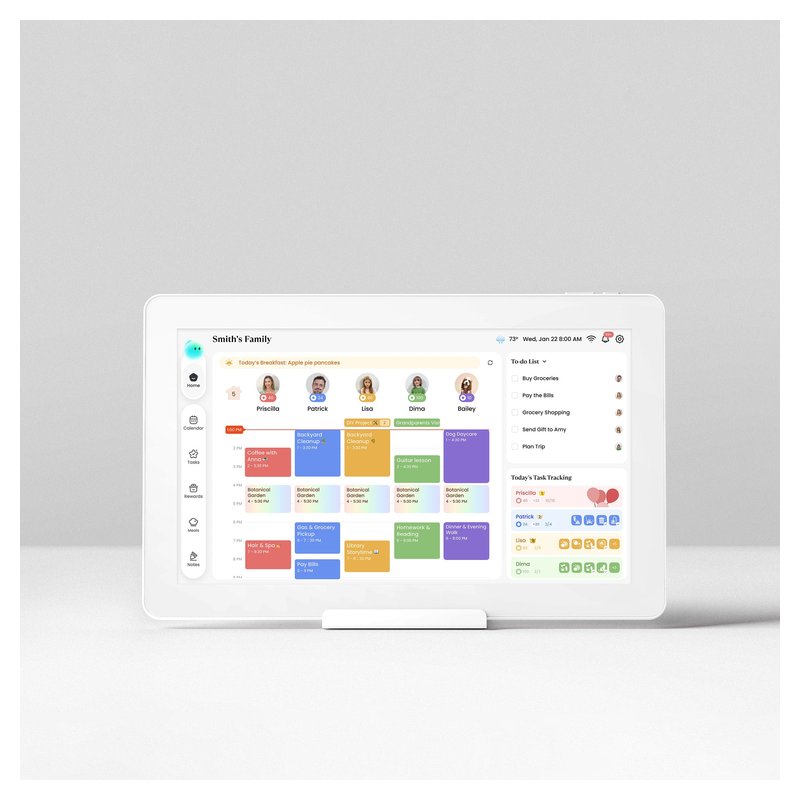
Best Digital Wall Calendar · Budget

Best Budget Digital Wall Calendar

The best budget digital wall calendar is the Apolosign 15.6-inch: it includes a wall mount and desk stand, syncs Google, Apple, Outlook, Yahoo and Cozi, and, per Apolosign, needs no subscription. The original 15-inch Skylight gives you Skylight’s software for less than the Calendar 2. Cozyla’s Neo is a cheaper counter screen with a free core calendar.

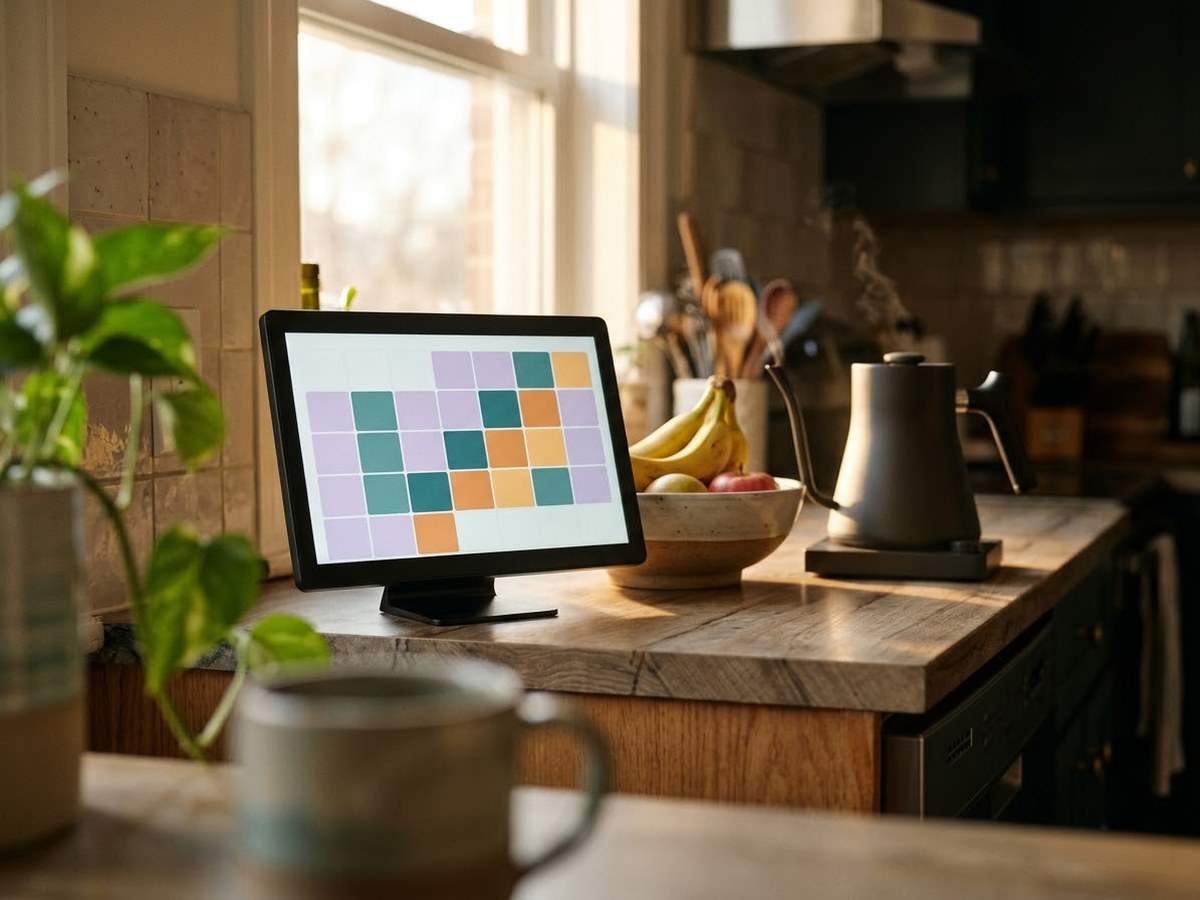
Compact digital calendar on a stand on a small kitchen counter next to a fruit bowl

Our top 3

Top picks at a glance

Best budget overall#1
Apolosign Digital Calendar (15.6-inch) calendar

Apolosign Digital Calendar (15.6-inch)

Budget price range

Wall mount and stand in the box, no required plan and a broad sync list.

See options ›
Cheapest way into Skylight#2
Skylight Calendar (original 15-inch) calendar

Skylight Calendar (original 15-inch)

Budget price range

Same Skylight app and sync list as Calendar 2, with less memory.

See options ›
Best budget counter screen#3
Cozyla Calendar Neo (15.6-inch) calendar

Cozyla Calendar Neo (15.6-inch)

Budget price range

A 15.6-inch desk-stand calendar with free calendar, chores and to-dos.

See options ›

In detail

Who each one suits

Specifications, sync lists and subscription terms are each brand’s own; notes draw on brand help centers and independent reviews. We have not tested or used these calendars ourselves.

Best budget overall#1

Apolosign Digital Calendar (15.6-inch)

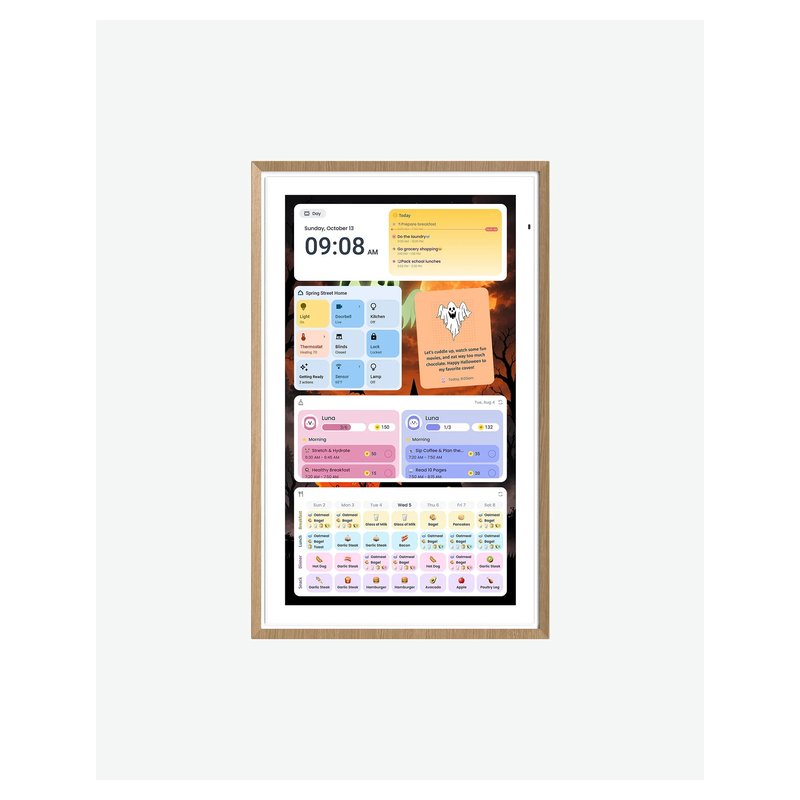
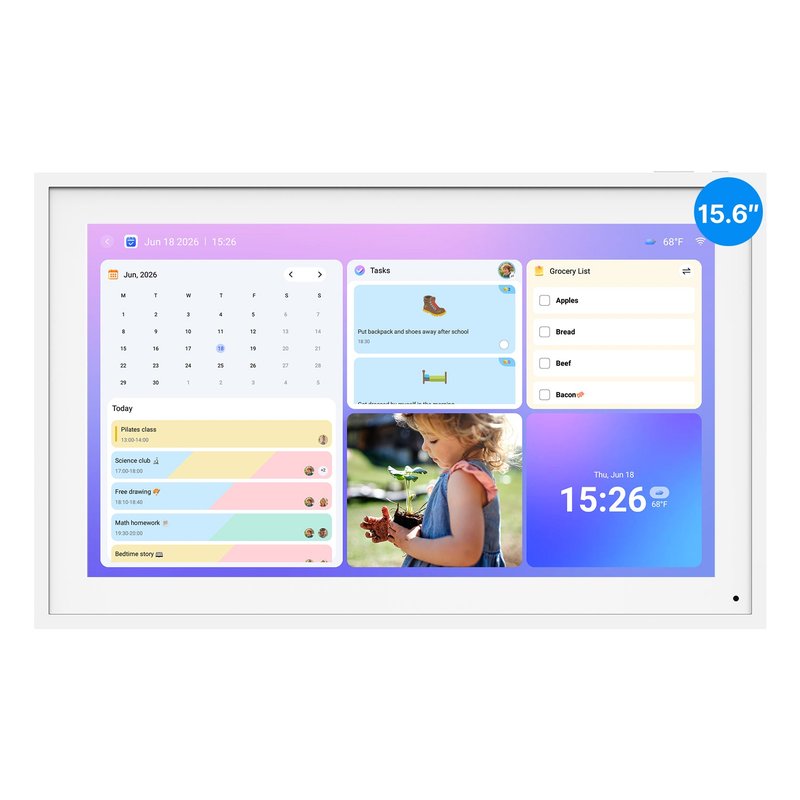
Apolosign’s 15.6-inch calendar comes with both a desk stand and a wall mount and, according to Apolosign, needs no subscription. It runs certified Android with Google Play and switches between a dedicated calendar mode and a normal Android mode.

Why it stands out

  • Syncs Google, Apple, Outlook, Yahoo and Cozi calendars (iCloud is added as a shared calendar).
  • Anti-glare 1080p screen; landscape or portrait.
  • Wall mount and desk stand both in the box; Wi-Fi 6.
Screen15.6-inch, 1080p anti-glare touch
PlacementWall or counter (both included)
Syncs withGoogle, Apple, Outlook, Yahoo, Cozi
SubscriptionNot required, per Apolosign
CameraNone listed

Good fit if

  • You want a mid-size screen without a yearly fee.
  • You want the option of Google Play apps.

Skip it if

  • You want the most polished, calendar-only software — Skylight is simpler.
  • You want AI features without paying: a retail listing describes those as an optional subscription.
Cheapest way into Skylight#2

Skylight Calendar (original 15-inch)

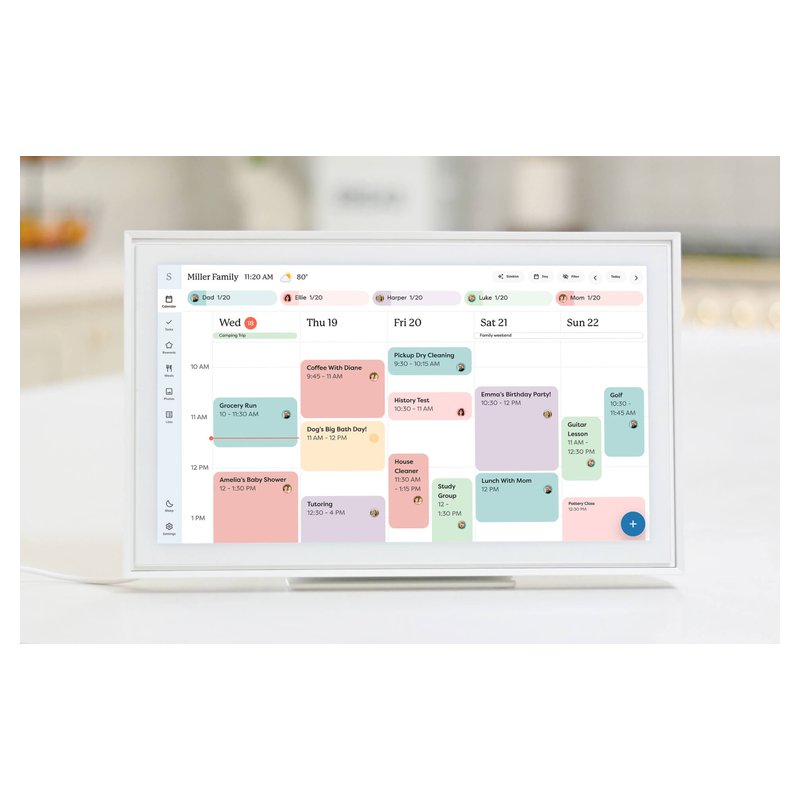
The original 15-inch Skylight runs the same software as Calendar 2, with slightly less memory (2GB of RAM versus 3GB, per Skylight). If the listing price is lower than Calendar 2 when you check, it is the cheaper way into the same app and sync list.

Why it stands out

  • Same calendar sync, chore chart and phone app as Calendar 2.
  • 1080p IPS touchscreen with stand and wall mount included.
  • No camera or microphone, according to Skylight’s spec sheet.
Screen15-inch, 1080p touch
PlacementWall or counter
Syncs withGoogle, iCloud, Outlook, Yahoo, Cozi
SubscriptionOptional Plus, $79/yr per Skylight
CameraNone (no mic)

Good fit if

  • You want Skylight’s software and the lowest Skylight price.
  • You do not care about swappable frames.

Skip it if

  • The price gap to Calendar 2 is small when you check — the newer model is the safer buy.
  • You want meal planning or rewards without a subscription.
Best budget counter screen#3

Cozyla Calendar Neo (15.6-inch)

The Neo is Cozyla’s budget 15.6-inch counter calendar. It keeps the calendar, to-dos, chores and notes free, while meal planning, rewards and photos need Cozyla’s paid Essential plan.

Why it stands out

  • A Budget-tier price, per Cozyla’s listing.
  • Syncs iCloud, Google and Outlook calendars, per Cozyla.
  • Desk stand and voice control.
Screen15.6-inch touch
PlacementCounter (desk stand)
Syncs withGoogle, iCloud, Outlook
SubscriptionFree core; paid plan for meals and rewards
CameraNot stated by Cozyla

Good fit if

  • You want a small kitchen-counter screen on a budget.
  • You mainly need the calendar and chores.

Skip it if

  • You want a wall display.
  • You want meal planning without a subscription — the Plus 2 includes it.
Also worth a look

Bsimb Digital Calendar (15.6-inch)

Bsimb’s 15.6-inch calendar is a low-cost, no-subscription screen with a desk stand and wall anchors in the box. Its published sync list is short: Google and iCloud.

Why it stands out

  • No subscription fees, according to Bsimb.
  • 1080p IPS screen that rotates with a gravity sensor.
  • Stand and wall anchors included.
Screen15.6-inch, 1080p IPS touch
PlacementWall or counter (both included)
Syncs withGoogle, iCloud
SubscriptionNone, per Bsimb
CameraNot stated by Bsimb

Good fit if

  • Your family runs on Google or iCloud calendars and you want the lowest price.

Skip it if

  • You use Outlook, Yahoo or Cozi.
  • You want sound: the 15.6-inch has no speaker, per Bsimb.
Also worth a look

Amazon Echo Show 15 (2nd gen)

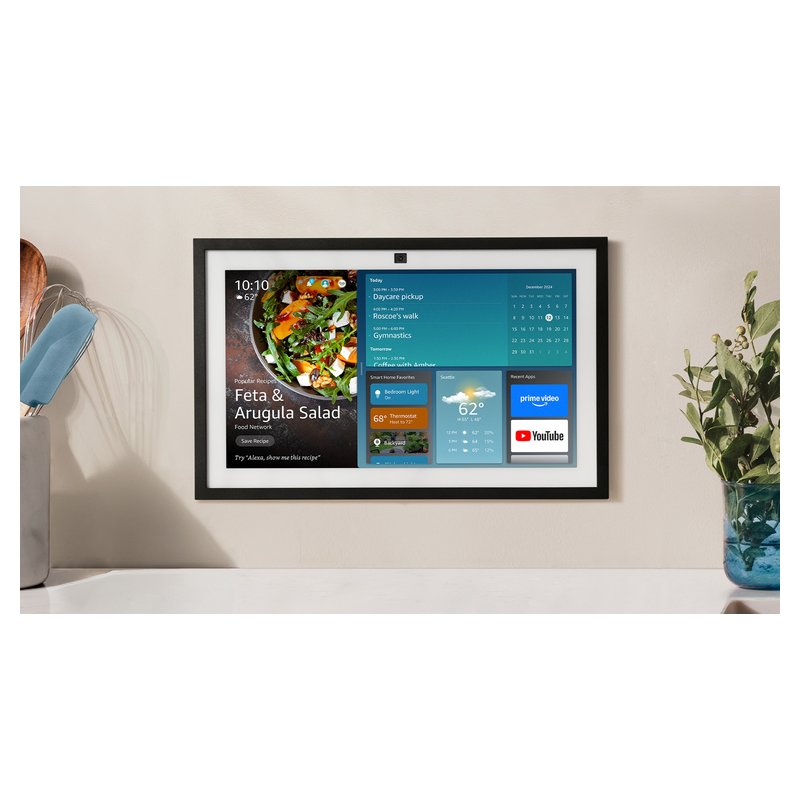
The Echo Show 15 is a 15.6-inch Alexa smart display that can hang on a wall and show a shared family calendar, lists and sticky notes. It is a good fit if you already live with Alexa, and a poor fit if you want a screen without a camera.

Why it stands out

  • Links Google, Microsoft and Apple calendars through the Alexa app.
  • Doubles as a smart home controller with a built-in hub, per Tom’s Guide.
  • Wall mount and remote in the box.
Screen15.6-inch, 1080p touch
PlacementWall (mount included); stand extra
Syncs withGoogle, Microsoft, Apple via Alexa app
SubscriptionAlexa+ $19.99/mo or free with Prime
Camera13MP with physical shutter

Good fit if

  • Your home already uses Alexa.
  • You want smart home control and Alexa as well as a calendar.

Skip it if

  • You want no camera in the kitchen: it has a 13MP camera (with a physical shutter).
  • You want several family calendars side by side: Forbes found it weaker at showing more than one.

Amazon has also announced a newer Echo Show 16; check which model is current when you buy.

Want a family calendar without a premium price?

Our budget pick includes both a stand and a wall mount and, according to Apolosign, no subscription.

What families say ›

Tips

Three things that make the difference

01

Add the subscription to the price

A cheap screen with a $79-a-year plan can cost more in three years than a pricier screen with none. Use the brand’s plan page, not the listing.

02

Check what’s in the box

Some calendars include both a stand and a wall mount; others charge extra for one. Everblog sells its stand separately, for example.

03

Consider what you already own

An old iPad can run a calendar app on the wall using Apple’s Guided Access, which locks it to one app. You lose chore charts and family profiles.

Honest note

Budget screens cut corners somewhere: smaller screens, fewer speakers or simpler software. Bsimb’s 15.6-inch has no speaker and lists only Google and iCloud sync, per Bsimb. Check the sync list before the price.

FAQ

Questions people ask

What is the best budget digital wall calendar?

The Apolosign 15.6-inch, for its broad sync list, included wall mount and stand, and no required subscription per Apolosign. The original Skylight 15-inch is the cheaper way into Skylight’s app.

Is the original Skylight Calendar still worth buying?

If it is cheaper when you check, yes. Skylight says it runs the same software as Calendar 2, with 2GB of RAM instead of 3GB. It has the same sync list and task manager.

Are cheap digital calendars any good?

Many are fine for showing the schedule. The common weak points are software polish and sync reliability, which reviewers flagged on some lower-cost brands. Read recent buyer reviews for sync complaints.

Is the Echo Show a cheaper family calendar?

It can be, especially if you already use Alexa. The Echo Show 15 can link Google, Microsoft and Apple calendars through the Alexa app, and it includes a wall mount. It also has a camera and shows other Alexa content on screen.

Can I use a tablet instead?

Yes. Apple’s Guided Access locks an iPad to one app, and services such as DAKboard or Mango Display run on screens you own. Mango Display’s calendar feature needs its Pro plan, per Mango.

What is the cheapest way to get a family calendar on the wall?

Use a free shared calendar, such as a Google family calendar, on a device you already have. A dedicated screen adds a wall mount, profiles and chores for the price of the hardware.

A family calendar that fits the budget

Want the full picture? See our best digital wall calendar picks, compared by sync, size and subscription, and the FAQ on setup and privacy.