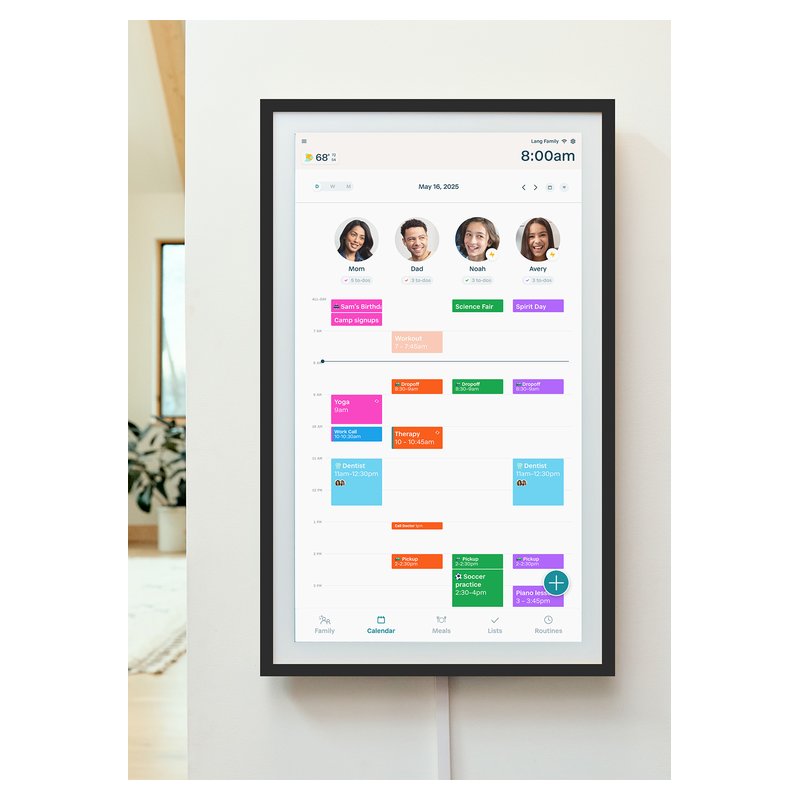
Best Digital Wall Calendar · Large Screens

Best Large Digital Wall Calendar

The best large digital wall calendar is the Skylight Calendar Max: a 27-inch, 2560 x 1440 screen that hangs in portrait or landscape and runs Skylight’s app. For the biggest screen, Cozyla’s Calendar Plus 2 comes in 32 inches with no required subscription. The 27-inch Hearth Display is a tall portrait screen built for routines.

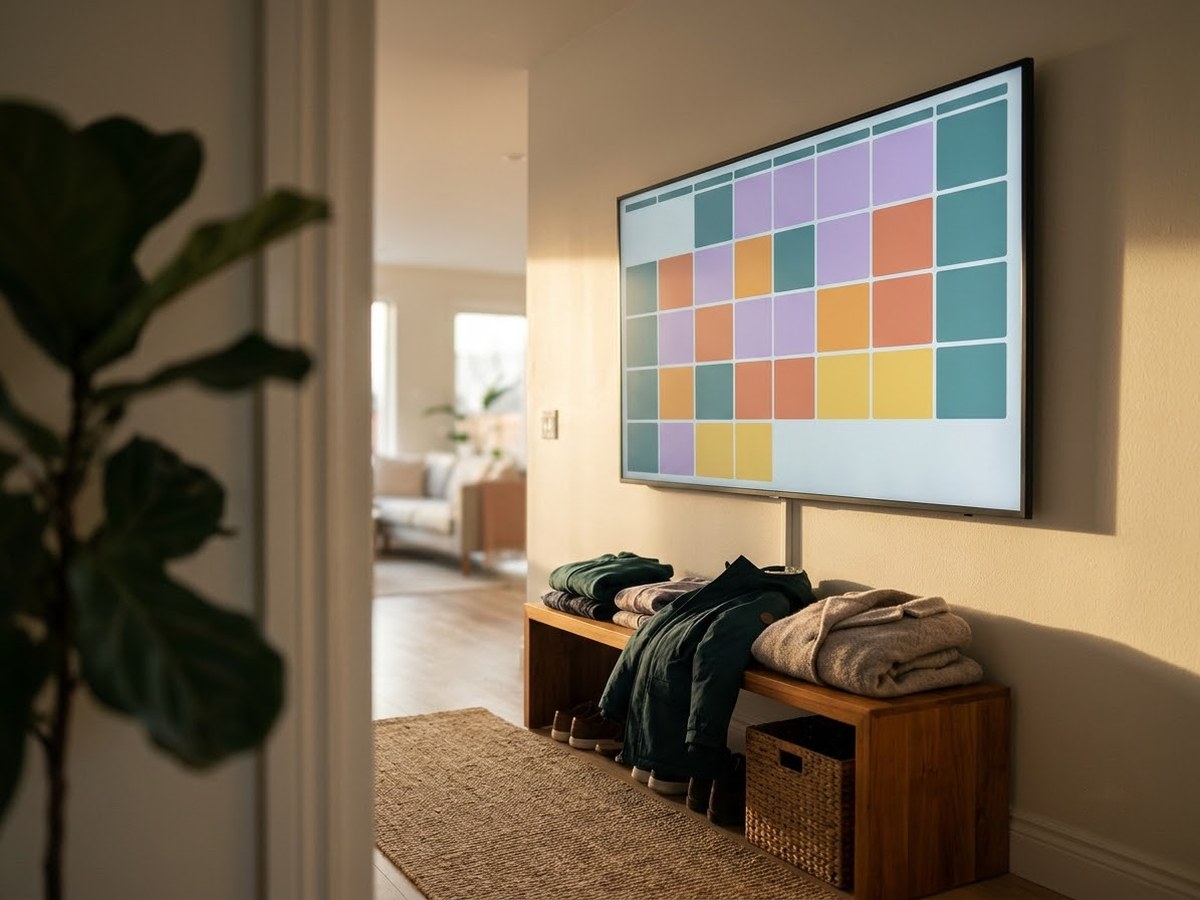
Large landscape digital calendar on a wide hallway wall showing a full month grid

Our top 3

Top picks at a glance

Best large overall#1
Skylight Calendar Max (27-inch) calendar

Skylight Calendar Max (27-inch)

Premium price range

A 27-inch, 2560 x 1440 screen with Skylight’s app and sync list.

What families say ›
Biggest screen#2
Cozyla Calendar Plus 2 (32-inch) calendar

Cozyla Calendar Plus 2 (32-inch)

Premium price range

32 inches with a rotating wall mount and no required plan, per Cozyla.

What families say ›
Best tall screen#3
Hearth Display (27-inch) calendar

Hearth Display (27-inch)

Premium price range

Portrait-only 27-inch display for routines, lists and rewards (membership needed).

What families say ›

In detail

Who each one suits

Specifications, sync lists and subscription terms are each brand’s own; notes draw on brand help centers and independent reviews. We have not tested or used these calendars ourselves.

Best large overall#1

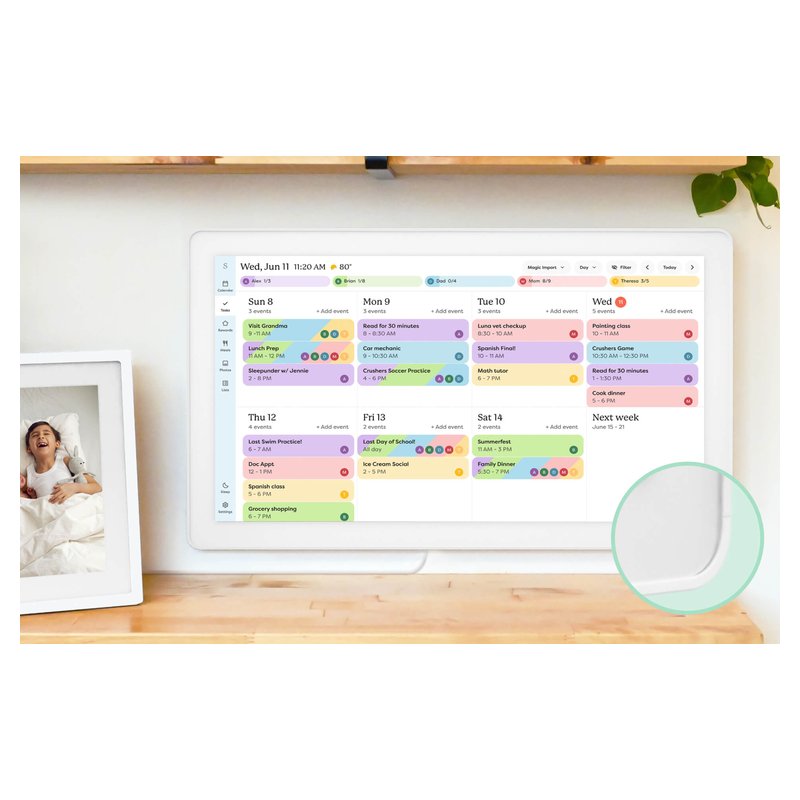
Skylight Calendar Max (27-inch)

At 27 inches with a 2560 x 1440 screen, the Calendar Max is Skylight’s big-family option: a month view you can read from across a kitchen. It is wall-only and hangs in portrait or landscape, and it runs the same app and subscription as the smaller models.

Why it stands out

  • 2560 x 1440 on 27 inches (Skylight’s spec).
  • Portrait or landscape on the wall; dual 4W speakers, no camera or mic.
  • Same app and sync list as the 15-inch models.
Screen27-inch, 2560 x 1440 touch
PlacementWall only, portrait or landscape
Syncs withGoogle, iCloud, Outlook, Yahoo, Cozi
SubscriptionOptional Plus, $79/yr per Skylight
CameraNone (no mic)

Good fit if

  • You have a big household and a wall with space for a 25 lb screen.
  • You want to read the week from across the room.

Skip it if

  • You want to put it on a counter: there is no stand option.
  • You want new hardware soon: Skylight says it has no plans for a new Calendar Max.

Digital Trends’ review criticized the software for missing basics, such as crossing off events; check recent buyer reviews for whether that has changed.
Biggest screen#2

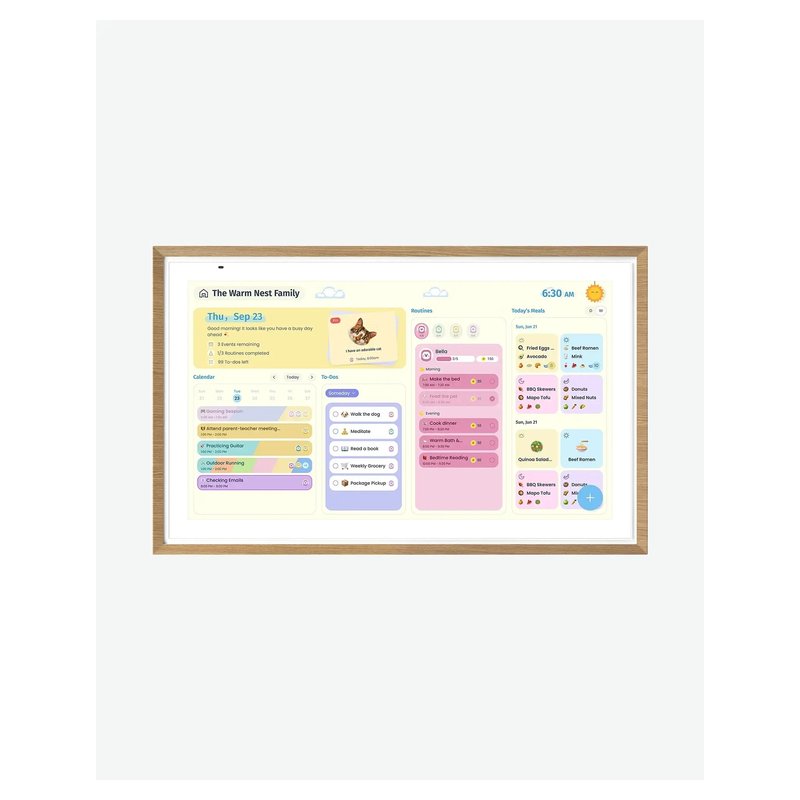
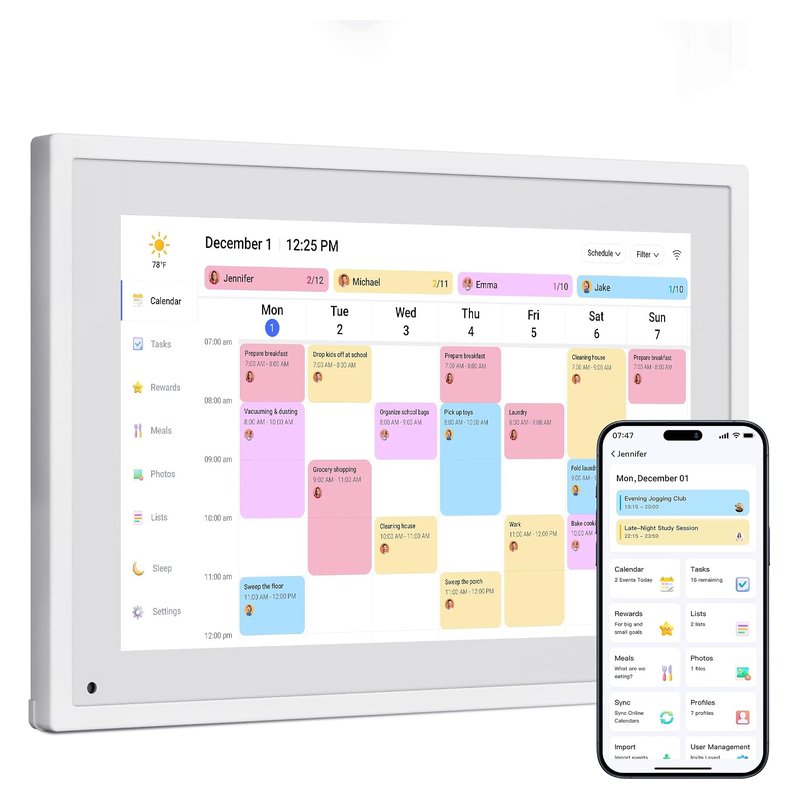
Cozyla Calendar Plus 2 (32-inch)

The 32-inch Plus 2 is the same Cozyla system as the 24-inch on a bigger 1080p panel, aimed at large walls and large families. Cozyla also sells a 4K version.

Why it stands out

  • The largest screen in our list.
  • Same free chores, rewards and meal planning as the 24-inch, per Cozyla.
  • Rotating wall mount included.
Screen32-inch, 1080p touch
PlacementWall (rotating mount included)
Syncs withGoogle, iCloud, Outlook, Yahoo, Cozi, CalDAV
SubscriptionNot required; optional AI plan
CameraNone built in

Good fit if

  • You want the whole month readable from the far side of a room.
  • You have a wall and a nearby outlet that can take a 32-inch screen.

Skip it if

  • Your space is a narrow hallway or small kitchen.
  • You want more than 1080p: this version is 1080p (Cozyla sells a separate 4K model).
Best tall screen#3

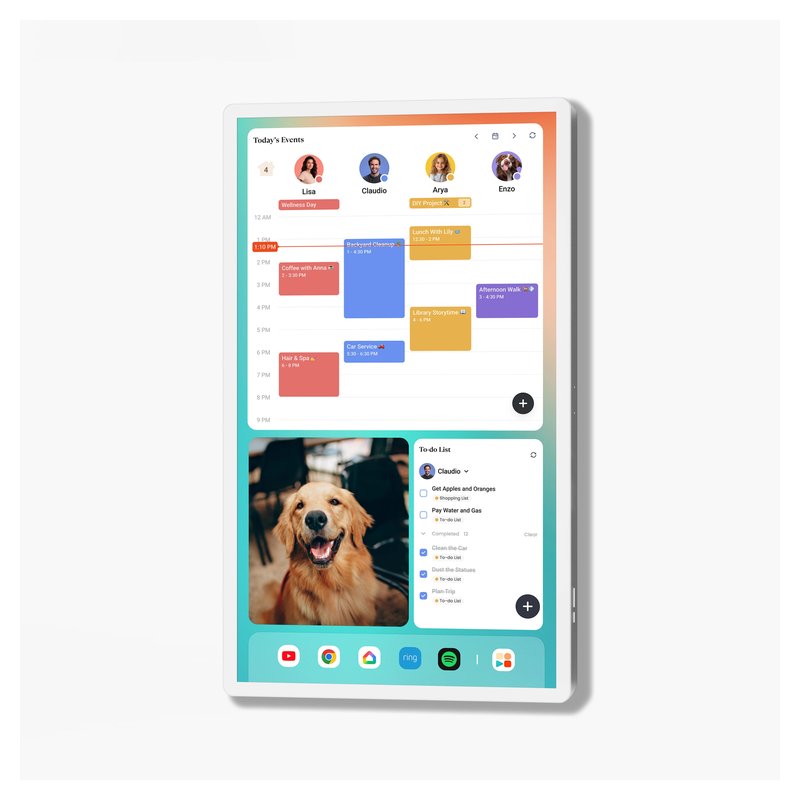
Hearth Display (27-inch)

Hearth is a tall, portrait-only 27-inch screen built around routines, to-dos and rewards for kids. It is the most “family command center” of the group, and the most expensive to run: those routine and reward features need Hearth’s Family Membership.

Why it stands out

  • Kids earn stars for routines and to-dos and spend them on rewards you set, with streak tracking (Hearth’s description).
  • Hearth Helper turns a photo of a paper schedule or school lunch menu into events for a parent to approve.
  • Two-way sync with Google, so events added on the screen land in Google Calendar.
Screen27-inch touch, portrait
PlacementWall only (mount included)
Syncs withGoogle, Apple, Outlook, Cozi
SubscriptionFamily Membership, $9/mo per Hearth
CameraNot stated by Hearth

Good fit if

  • Your main goal is morning and bedtime routines for young kids.
  • You have a wall near an outlet and are happy to pay $9 a month (Hearth’s price) for the extras.

Skip it if

  • You want a counter display: Forbes notes it is not designed for a desk or counter.
  • You want to avoid an ongoing fee: lists, routines, rewards and meal planning all need membership.

Hearth’s own pages disagree on whether membership is needed just to set up the screen; plan on starting the 30-day trial.

Also worth a look

Apolosign Digital Calendar (21.5-inch)

The 21.5-inch Apolosign is a bigger version of the same no-subscription Android calendar, sized for a family wall without the cost of a 27-inch screen.

Why it stands out

  • Same sync list and dual calendar/Android mode as the 15.6-inch.
  • Anti-glare 1080p screen, portrait or landscape.
  • Wall mount included.
Screen21.5-inch, 1080p anti-glare touch
PlacementWall (mount included)
Syncs withGoogle, Apple, Outlook, Yahoo, Cozi
SubscriptionNot required, per Apolosign
CameraNone listed

Good fit if

  • You want a wall screen bigger than 15 inches on a mid-range budget.
  • You do not want a monthly or yearly fee.

Skip it if

  • You need a counter stand in the box (the 21.5-inch includes the wall mount only).
Also worth a look

Dragon Touch Digital Calendar (21.5-inch)

Dragon Touch sells its calendar in sizes from 10 to 32 inches; the 21.5-inch is the middle of the range. The brand says it needs no monthly subscription, with meals, rewards and chores included.

Why it stands out

  • Syncs Google, Apple, Outlook, Yahoo, Cozi and public-link calendars through its free app.
  • Auto-rotates between portrait and landscape; wall mount included.
  • Up to 2 years of warranty if bought from Dragon Touch directly, per the brand.
Screen21.5-inch touch
PlacementWall or counter, auto-rotates
Syncs withGoogle, Apple, Outlook, Yahoo, Cozi
SubscriptionNot required; paid Magic Import
CameraNone listed

Good fit if

  • You want a large no-subscription screen and mostly need the calendar.

Skip it if

  • You want apps or widgets: The Gadgeteer found it runs a locked-down older Android with no Google Play.
  • You want polished software: the same review reported time errors and settings that did not save.
Also worth a look

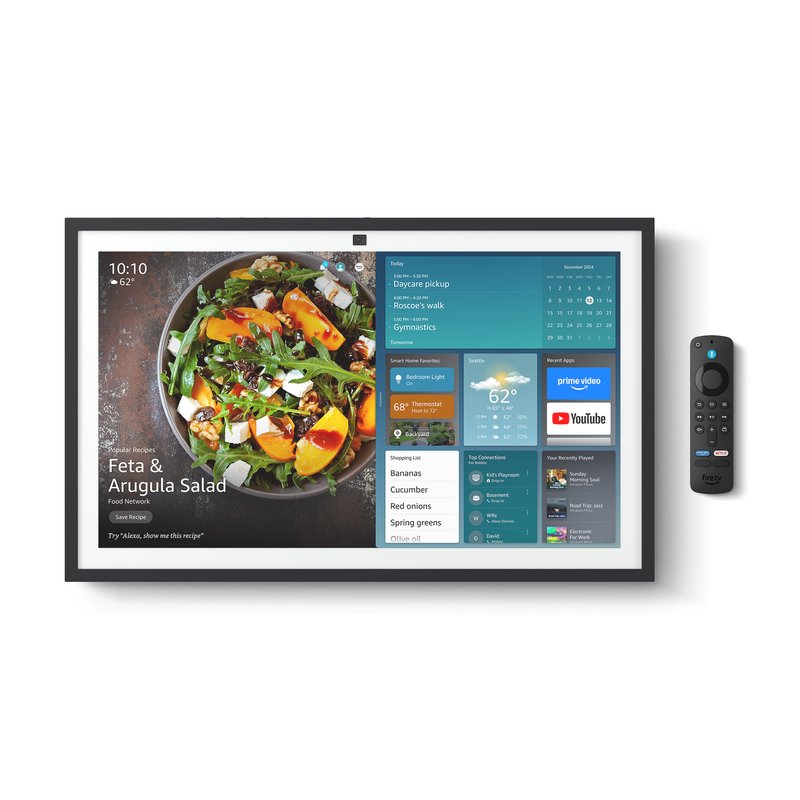
Amazon Echo Show 21

The Echo Show 21 is the 21-inch version of Amazon’s wall-mount smart display, with the same Alexa calendar and lists on a bigger 1080p panel.

Why it stands out

  • Larger 21.4-inch 1080p screen.
  • Wall mount included; Wi-Fi 6E.
  • Same Alexa calendar linking as the Echo Show 15.
Screen21.4-inch, 1080p touch
PlacementWall (mount included)
Syncs withGoogle, Microsoft, Apple via Alexa app
SubscriptionAlexa+ $19.99/mo or free with Prime
Camera13MP camera

Good fit if

  • You want a large Alexa screen in a kitchen or hallway.

Skip it if

  • You want a calendar-first display rather than an Alexa device.
  • You do not want a camera.

A big family needs a big screen

Our large pick shows the whole week clearly from across a room and hangs in portrait or landscape.

Read buyer reviews ›

Tips

Three things that make the difference

01

Measure the wall, then the outlet

Hearth is 16.5 by 26.7 inches, per Hearth. Mark the outline with tape and check the cord reaches: 7 feet on the Skylight Max, 6 feet on Hearth.

02

Anchor it properly

Skylight lists the Calendar Max at 25 lb. Use the brand’s mount, find a stud or use anchors rated for the weight, and follow the instructions.

03

Choose resolution for the distance

Check the listed resolution, not just the size. The Skylight Max is 2560 x 1440; most 21.5- to 32-inch alternatives are 1080p unless they say 4K.

Honest note

Large screens are wall-only and hard to move once mounted. Skylight’s Max has no stand option, and Skylight says it has no plans for a new Calendar Max, so what you buy now is the current model for a while.

FAQ

Questions people ask

What is the biggest digital wall calendar?

Among the picks here, the Cozyla Calendar Plus 2 at 32 inches. Dragon Touch also lists a 32-inch size. Skylight’s largest is the 27-inch Calendar Max, and Hearth’s display is 27 inches.

Is a 27-inch calendar too big?

Not on a hallway or open kitchen wall, where you read it from a few steps away. On a small kitchen wall a 21.5-inch screen may suit better. Tape out the size before you buy.

Can a large calendar sit on a counter?

Usually not. The Skylight Calendar Max and Hearth Display are wall-only, and Forbes notes Hearth is not designed for a counter. Smaller 15-inch models include stands.

How heavy is a 27-inch digital calendar?

Skylight lists its Calendar Max at 25 lb. Check the brand’s figure for other models and use mounting hardware rated for it.

Skylight Max or Hearth?

The Skylight Max hangs either way, lists a 2560 x 1440 screen (Hearth does not state its resolution) and a cheaper plan. Hearth is portrait-only and built around routines and rewards, which need its $9-a-month membership.

Do large calendars use more power?

Brands publish adapter ratings rather than measured use: Skylight lists 12V/3A for the Max. Sleep Mode (Skylight’s pages disagree on whether it needs Plus), which Skylight and Hearth both offer, turns the screen off overnight.

Big wall, whole month, one glance

Want the full picture? See our best digital wall calendar picks, compared by sync, size and subscription, and the FAQ on setup and privacy.